PERSONAL COLOR
Know your colors
Discover your undertone, color season, and a practical personal palette to elevate your daily makeup and wardrobe choices.
 Glowki
Get it on Google Play
Glowki
Get it on Google Play
Understand your skin and colors, build a ritual that fits, and see what works over time. Glowki turns one cosmetic scan into clear daily guidance.
Now live on Google Play · Android · Cosmetic guidance, not medical advice
A simple three-step journey to building a skincare and color habit that lasts.
Glowki checks framing and face position on your device so the scan starts with a usable photo.
On-device framingYour photo is analyzed securely and ephemerally for cosmetic skin appearance, undertone, color season, and face structure.
Ephemeral analysisTurn the report into a daily ritual, guided practices, and progress you can revisit.
Ritual + progressRaw scan photos are processed ephemerally and are not saved by Glowki. Read the privacy policy.
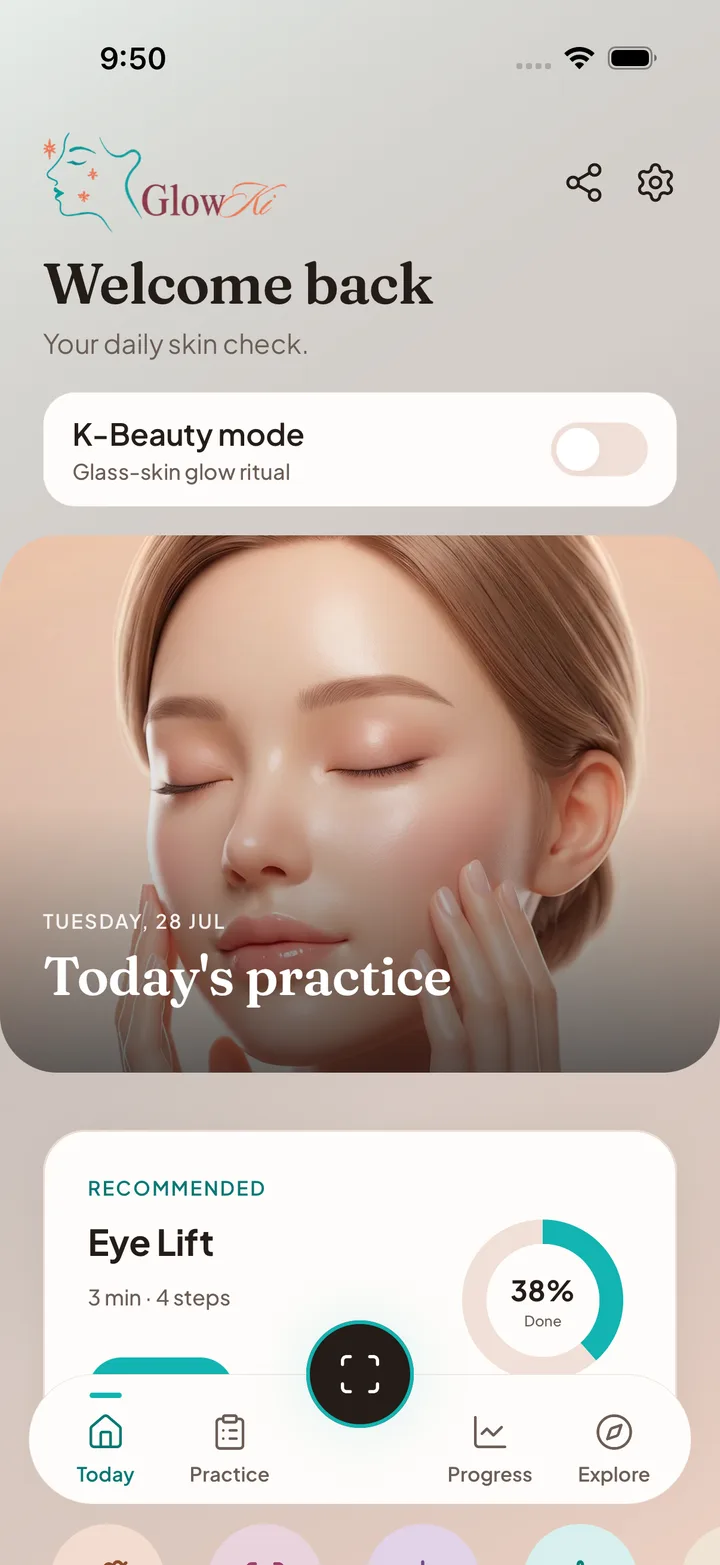
Explore the real Glowki Android experience — from morning cleansing to habit tracking, K-Beauty mode, and detailed cosmetic insights.
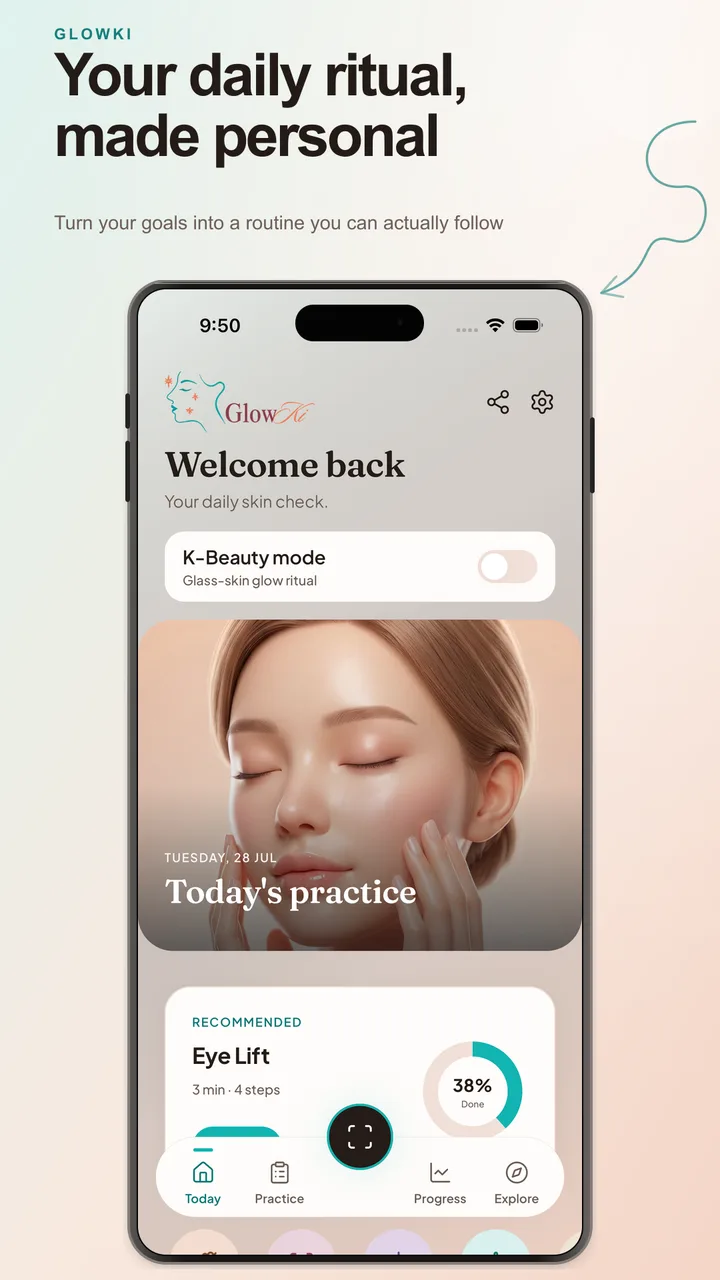
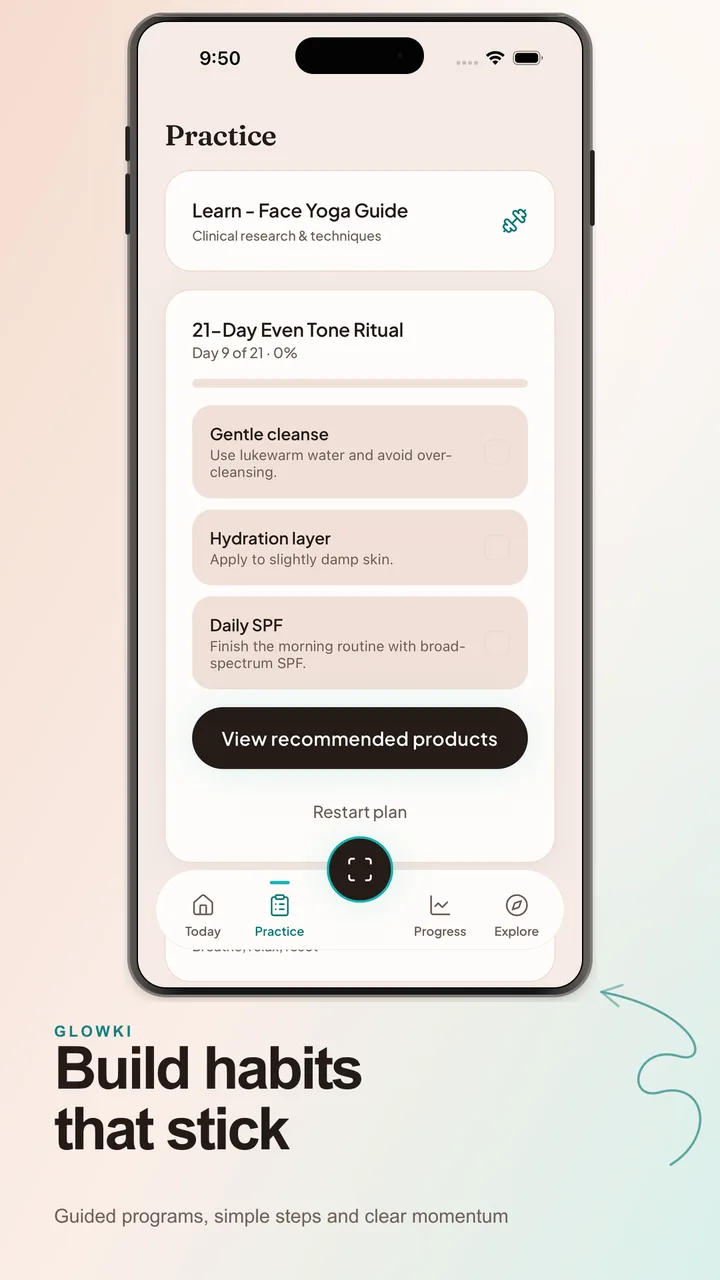
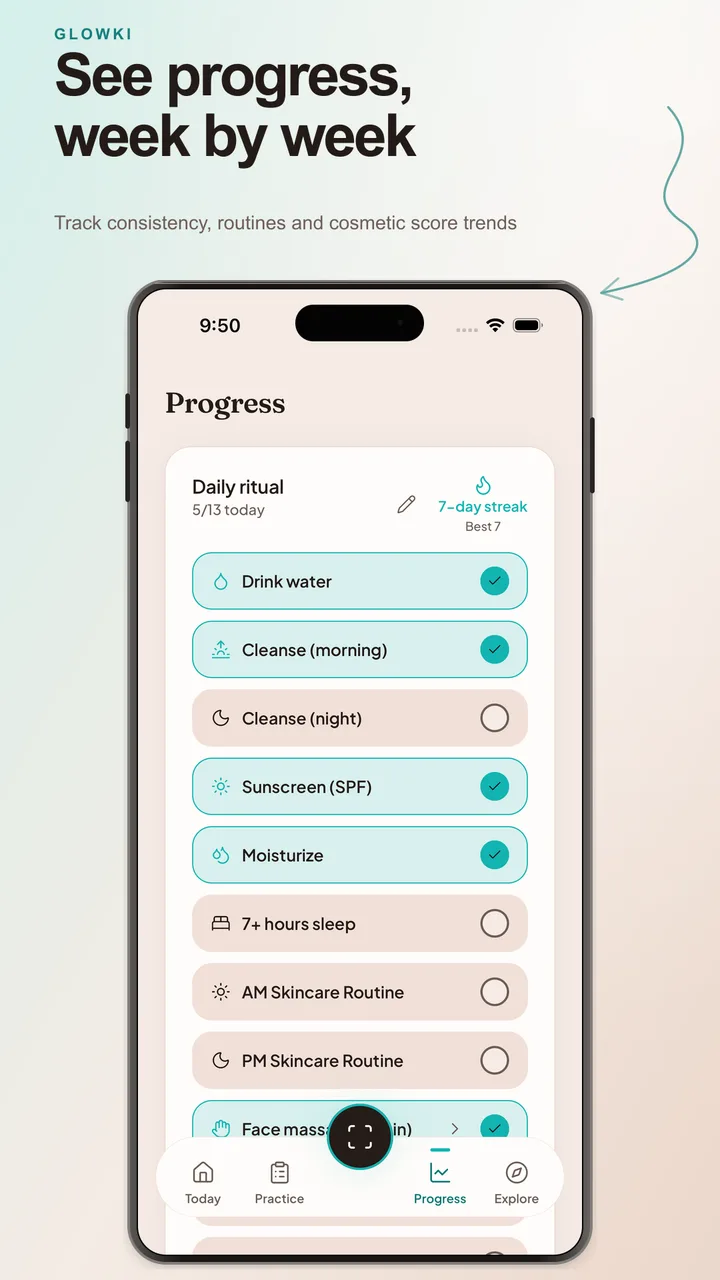
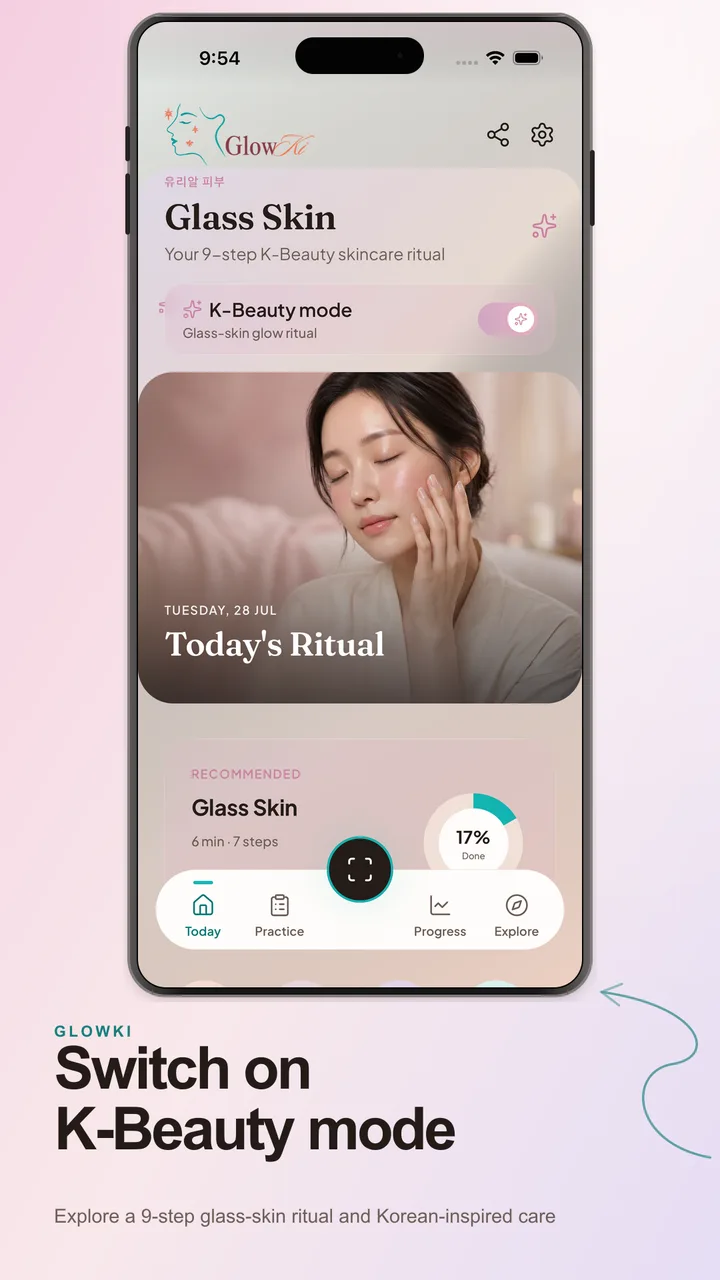
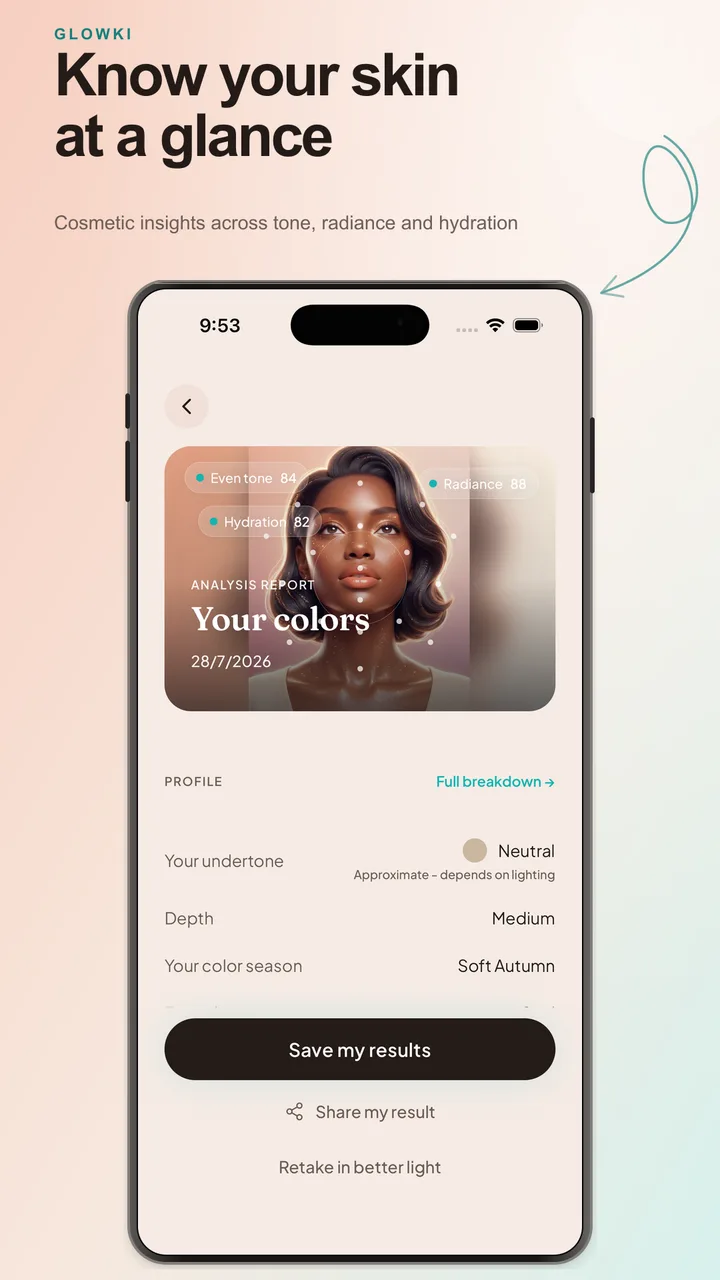
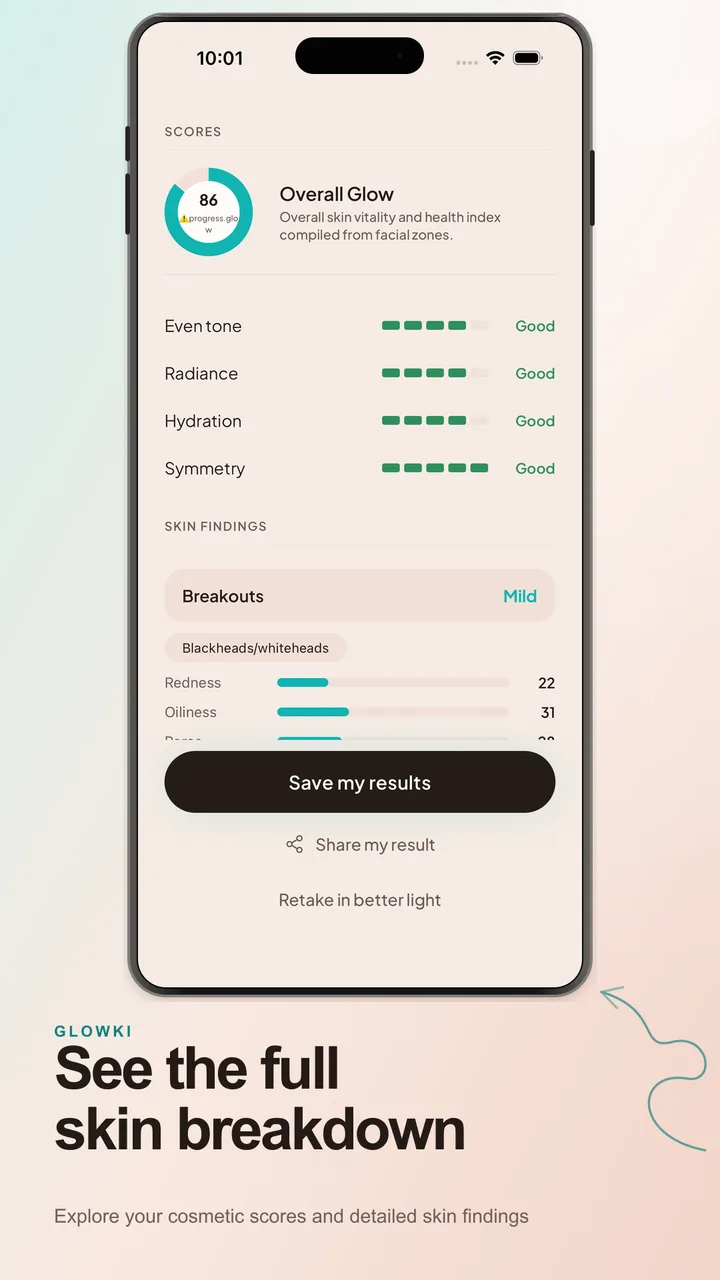
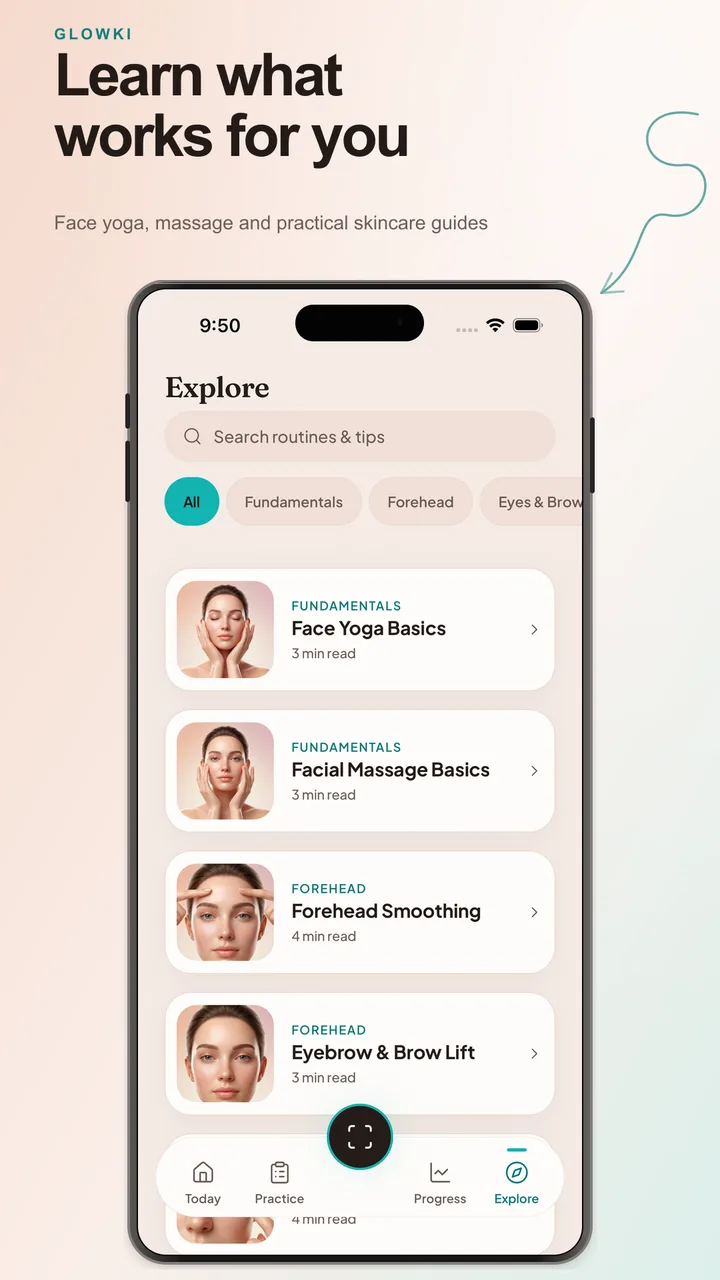
7 app screens · Swipe or scroll to explore
Four focused pillars designed for ongoing clarity, color harmony, and daily consistency.
Discover your undertone, color season, and a practical personal palette to elevate your daily makeup and wardrobe choices.
Organize your routines and skincare habits into clear daily actions that are gentle, structured, and easy to sustain.
Experience Korean-inspired glass-skin routines focused on deep hydration, gentle layering, and natural radiance.
Track habit consistency, save progress photos, and monitor your cosmetic score trends across weeks of regular care.
Clear boundaries from day one: scan photos are processed ephemerally, and your results stay on your device.
Read our privacy policyScan photos travel securely over HTTPS to our analysis providers, are processed in memory to produce your report, and are dropped immediately. We do not store raw photos or face templates on any server.
Your cosmetic scores, undertone mix, habits, routines, and preferences stay on your device. We do not build central databases from your scan history.
Glowki is designed for cosmetic insights, color harmony, and daily habit consistency. It does not diagnose skin conditions or recommend medical treatments.
Everything you need to know about Glowki, privacy, and how it works.
Glowki uses your camera to capture skin tone, undertone indicators, and facial feature geometry. Photos are processed securely and ephemerally in memory to determine your personal color season, undertone, and skin appearance scores.
No. Raw scan photos are never saved on our servers or stored to disk. Once analysis finishes in memory, the photo is discarded immediately.
K-Beauty mode unlocks Korean-inspired care routines, including a 9-step Glass Skin ritual, specialized hydration guidance, and a dedicated K-Beauty aesthetic dashboard.
No. Glowki provides cosmetic guidance, color harmony, and lifestyle skincare habits only. If you have medical skin concerns, consult a dermatologist.
Yes. All scan history, habits, and preferences stay on your device. You can wipe all local data in the app under Settings → Reset Data.
Glowki is live for Android. Download it on Google Play or explore the free web tools.